GST ITC reconciliation with GSTR 2B
Table of Contents
- Introduction to GSTR 2B
- Importance of GSTR 2B in ITC Reconciliation
- How to Reconcile GSTR 2B with Purchase Register
- Common Discrepancies and Their Resolutions
- Benefits of GSTR 2B in GST Compliance
Introduction to GSTR 2B
GSTR 2B is a static, month-wise auto-drafted statement introduced on the GST portal for regular taxpayers. It provides a comprehensive view of the input tax credit (ITC) available to a taxpayer based on the supplier's filings. The statement includes details of eligible and ineligible ITC for each month, allowing taxpayers to reconcile their purchases with the information provided by their suppliers.
Importance of GSTR 2B in ITC Reconciliation
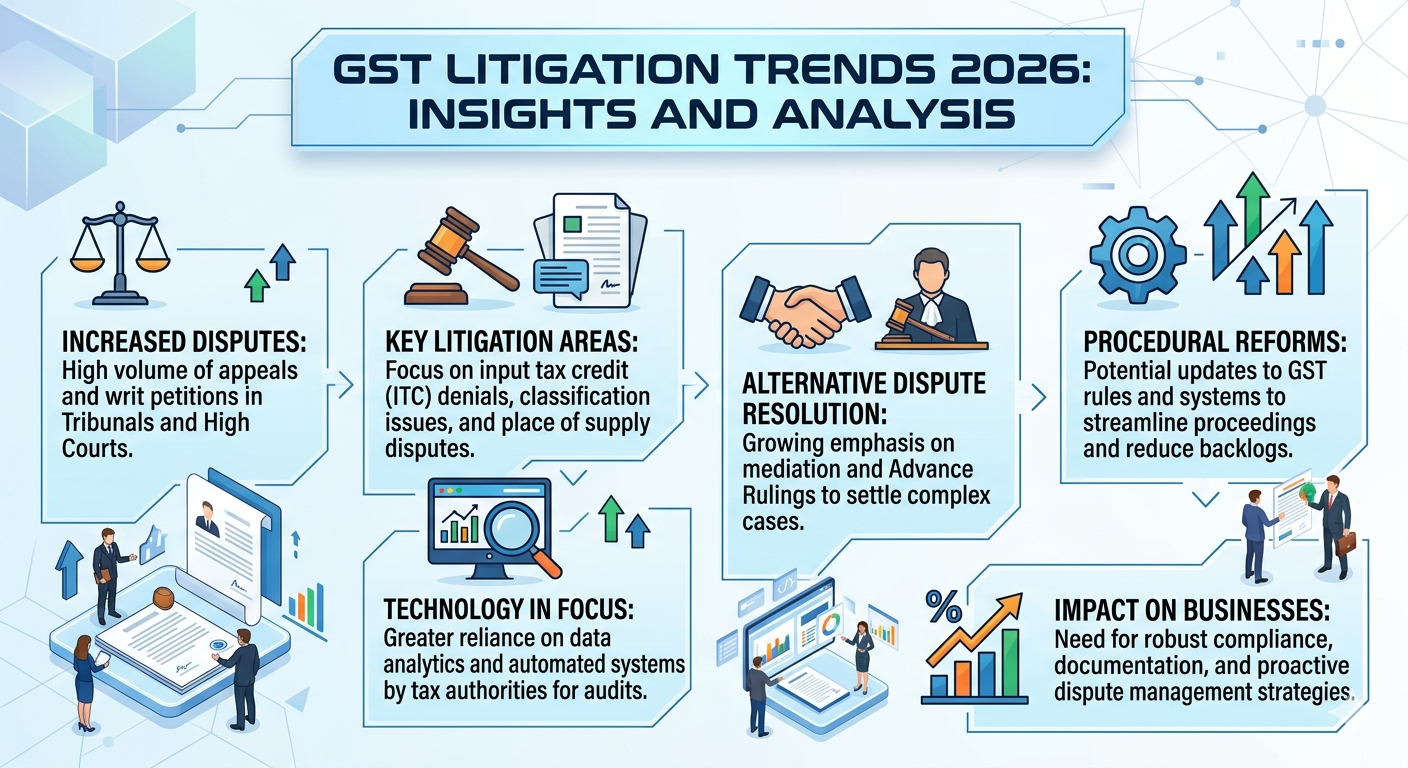
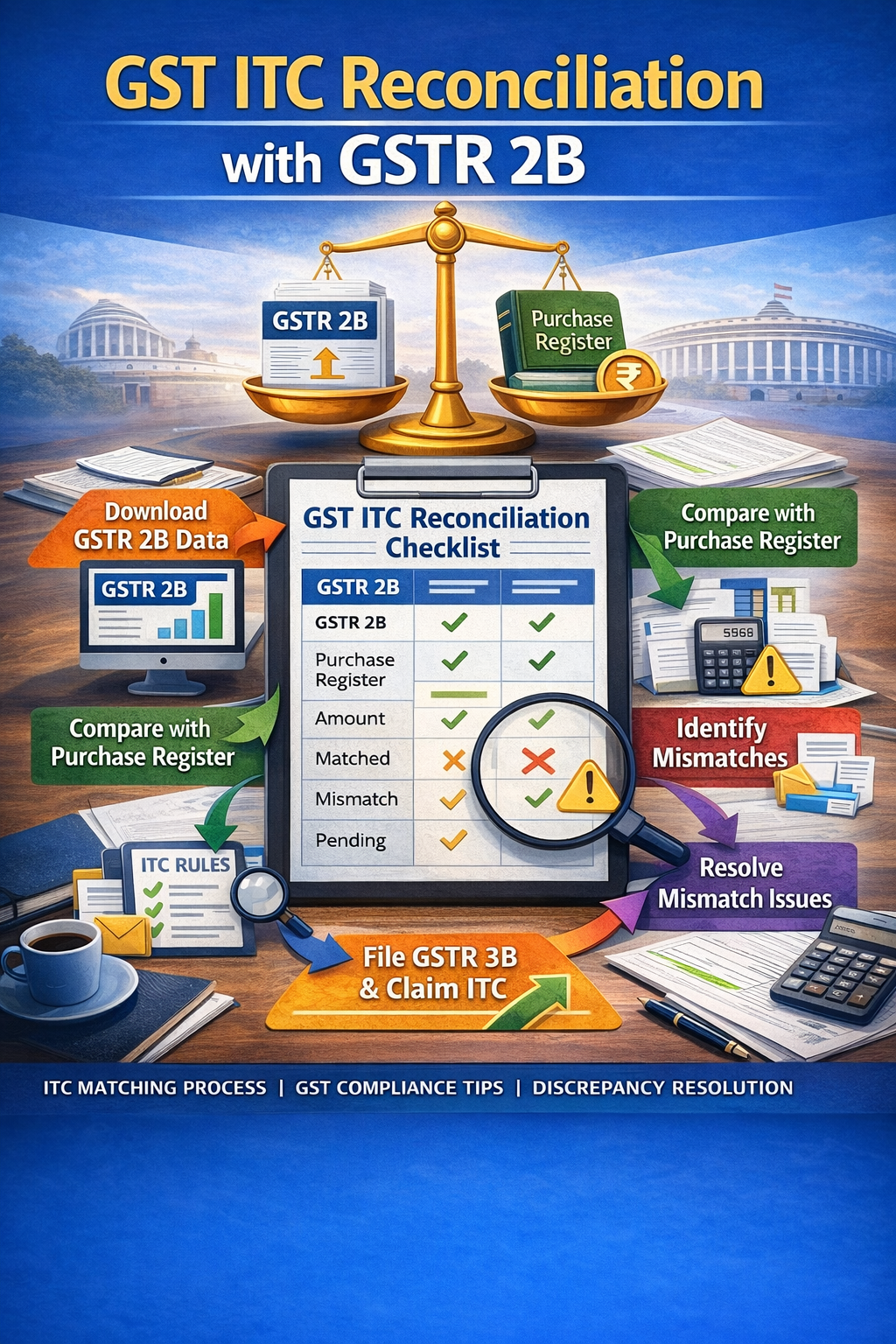
GSTR 2B plays a crucial role in ITC reconciliation as it helps taxpayers identify discrepancies in their purchase records and supplier filings. By comparing the details in GSTR 2B with their purchase register, businesses can ensure the accuracy of input tax credits claimed and identify any discrepancies that may need correction. This process helps prevent penalties, GST notices, and ITC reversals.
How to Reconcile GSTR 2B with Purchase Register
To reconcile GSTR 2B with the purchase register, taxpayers need to compare the details of invoices, credit notes, and debit notes in GSTR 2B with their purchase records. Any discrepancies or mismatches should be investigated and corrected to ensure accurate ITC claims. Taxpayers can use automated tools or manual processes to reconcile GSTR 2B with their purchase register.
Common Discrepancies and Their Resolutions
Common discrepancies that may arise during GSTR 2B reconciliation include missing invoices, GSTIN errors, and tax amount differences. To resolve these discrepancies, taxpayers should verify the details with their suppliers, correct any errors in their purchase records, and update their GSTR 2B statement accordingly. In cases where the discrepancy is due to a supplier's error, the taxpayer should request the supplier to correct the mistake and update their GSTR 1 return.
Benefits of GSTR 2B in GST Compliance
GSTR 2B offers several benefits to taxpayers, including enhanced ITC accuracy, timely ITC reconciliation, and reduced GST litigation. By using GSTR 2B, taxpayers can ensure accurate ITC claims, minimize discrepancies, and prevent penalties. Additionally, GSTR 2B helps streamline the workflow, reducing manual efforts in ITC reconciliation and allowing businesses to focus on core activities.
What is GSTR 2B and its purpose?
GSTR 2B is a static, month-wise auto-drafted statement that provides a comprehensive view of the input tax credit (ITC) available to a taxpayer based on the supplier's filings. Its primary purpose is to help taxpayers reconcile their purchases with the information provided by their suppliers, ensuring accurate ITC claims and compliance with GST regulations.
How to access GSTR 2B on the GST portal?
Taxpayers can access GSTR 2B on the GST portal by following the path: Dashboard > Services > Returns > GSTR 2B. They can view and download their GSTR 2B statement for each month, which includes details of eligible and ineligible ITC.
What are the common discrepancies in GSTR 2B reconciliation?
Common discrepancies that may arise during GSTR 2B reconciliation include missing invoices, GSTIN errors, and tax amount differences. These discrepancies can be resolved by verifying the details with suppliers, correcting errors in purchase records, and updating the GSTR 2B statement accordingly.
How to resolve discrepancies in GSTR 2B reconciliation?
To resolve discrepancies in GSTR 2B reconciliation, taxpayers should verify the details with their suppliers, correct any errors in their purchase records, and update their GSTR 2B statement accordingly. In cases where the discrepancy is due to a supplier's error, the taxpayer should request the supplier to correct the mistake and update their GSTR 1 return.
What are the benefits of using GSTR 2B in GST compliance?
GSTR 2B offers several benefits to taxpayers, including enhanced ITC accuracy, timely ITC reconciliation, and reduced GST litigation. By using GSTR 2B, taxpayers can ensure accurate ITC claims, minimize discrepancies, and prevent penalties. Additionally, GSTR 2B helps streamline the workflow, reducing manual efforts in ITC reconciliation and allowing businesses to focus on core activities.
Can GSTR 2B be used for ITC claims?
Yes, GSTR 2B can be used for ITC claims. The statement provides a comprehensive view of the input tax credit available to a taxpayer based on the supplier's filings. Taxpayers can use GSTR 2B to reconcile their purchases with the information provided by their suppliers, ensuring accurate ITC claims and compliance with GST regulations.
Frequently Asked Questions
What is GSTR 2B and its purpose?
GSTR 2B is a static, month-wise auto-drafted statement that provides a comprehensive view of the input tax credit (ITC) available to a taxpayer based on the supplier's filings. Its primary purpose is to help taxpayers reconcile their purchases with the information provided by their suppliers, ensuring accurate ITC claims and compliance with GST regulations.
How to access GSTR 2B on the GST portal?
Taxpayers can access GSTR 2B on the GST portal by following the path: Dashboard > Services > Returns > GSTR 2B. They can view and download their GSTR 2B statement for each month, which includes details of eligible and ineligible ITC.
What are the common discrepancies in GSTR 2B reconciliation?
Common discrepancies that may arise during GSTR 2B reconciliation include missing invoices, GSTIN errors, and tax amount differences. These discrepancies can be resolved by verifying the details with suppliers, correcting errors in purchase records, and updating the GSTR 2B statement accordingly.
How to resolve discrepancies in GSTR 2B reconciliation?
To resolve discrepancies in GSTR 2B reconciliation, taxpayers should verify the details with their suppliers, correct any errors in their purchase records, and update their GSTR 2B statement accordingly. In cases where the discrepancy is due to a supplier's error, the taxpayer should request the supplier to correct the mistake and update their GSTR 1 return.
What are the benefits of using GSTR 2B in GST compliance?
GSTR 2B offers several benefits to taxpayers, including enhanced ITC accuracy, timely ITC reconciliation, and reduced GST litigation. By using GSTR 2B, taxpayers can ensure accurate ITC claims, minimize discrepancies, and prevent penalties. Additionally, GSTR 2B helps streamline the workflow, reducing manual efforts in ITC reconciliation and allowing businesses to focus on core activities.
Can GSTR 2B be used for ITC claims?
Yes, GSTR 2B can be used for ITC claims. The statement provides a comprehensive view of the input tax credit available to a taxpayer based on the supplier's filings. Taxpayers can use GSTR 2B to reconcile their purchases with the information provided by their suppliers, ensuring accurate ITC claims and compliance with GST regulations.